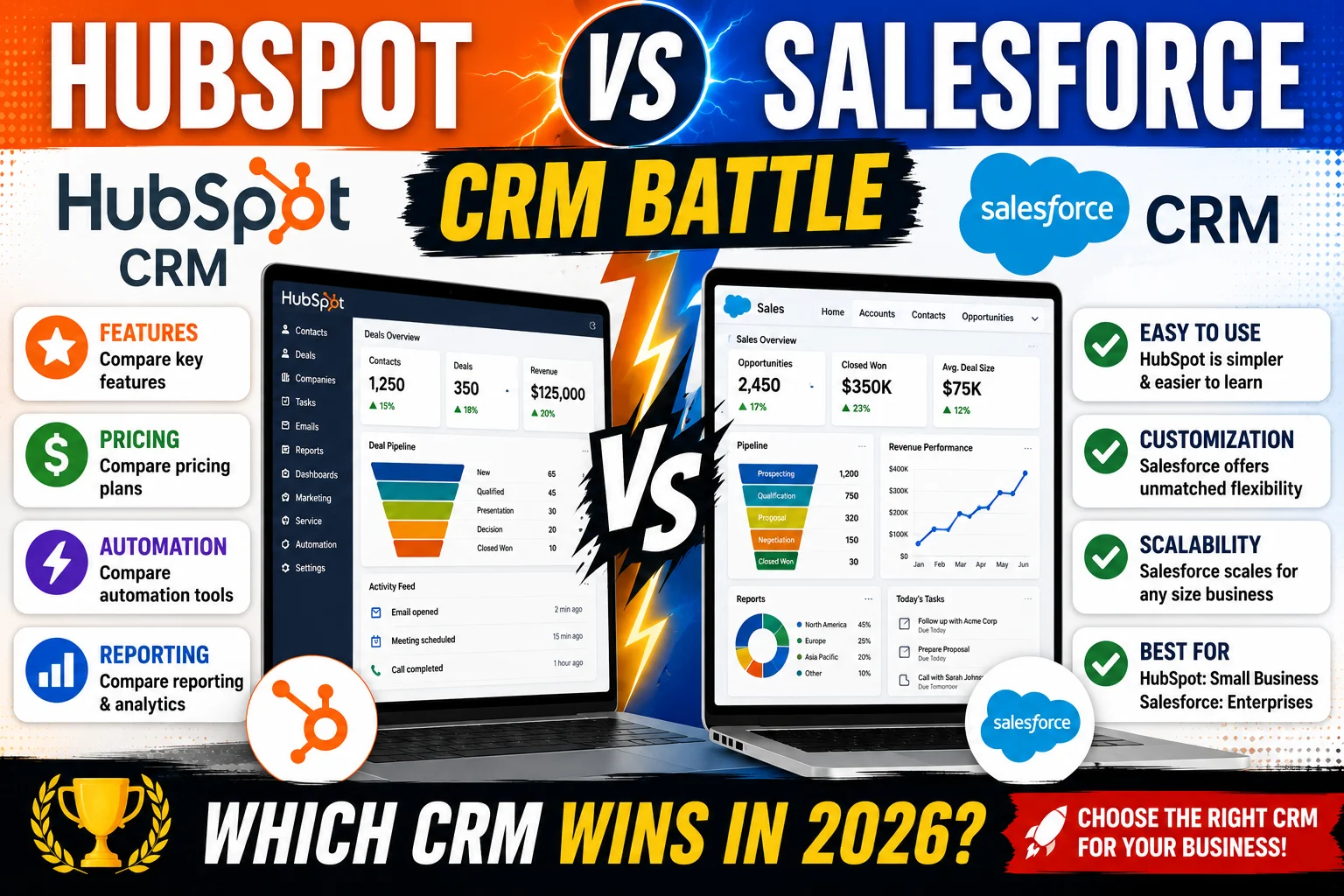
Choosing a CRM is one of the most important decisions a business can make.
Two names dominate the CRM market:
- HubSpot CRM
- Salesforce CRM
Both platforms are powerful, widely used, and capable of helping businesses manage customer relationships, automate sales processes, and improve productivity.
However, they are designed for different types of organizations.
HubSpot focuses on simplicity, ease of use, and inbound marketing.
Salesforce focuses on customization, scalability, and enterprise-level capabilities.
So which one is right for your business?
In this detailed comparison, we’ll examine features, pricing, usability, automation, reporting, scalability, and overall value.
Quick Comparison
| Category | HubSpot | Salesforce |
|---|---|---|
| Ease of Use | ⭐ 9.5/10 | ⭐ 7.5/10 |
| Features | ⭐ 9/10 | ⭐ 10/10 |
| Automation | ⭐ 8.5/10 | ⭐ 9.5/10 |
| Reporting | ⭐ 8.5/10 | ⭐ 10/10 |
| Customization | ⭐ 8/10 | ⭐ 10/10 |
| Scalability | ⭐ 9/10 | ⭐ 10/10 |
| Free Plan | ✅ Yes | ❌ No |
| Best For | Small Businesses | Growing & Enterprise Businesses |
Overview of HubSpot CRM
HubSpot CRM is known for being one of the easiest CRM platforms to use.
The platform combines:
- CRM
- Marketing tools
- Sales tools
- Customer service tools
into a unified ecosystem.
Its free plan is one of the strongest available in the CRM industry.
Best For:
- Startups
- Small businesses
- Agencies
- Service providers
- Marketing-focused organizations
Overview of Salesforce CRM
Salesforce is the world’s most widely used enterprise CRM platform.
It offers:
- Advanced customization
- Powerful automation
- Extensive reporting
- Enterprise scalability
Salesforce is often the preferred choice for organizations with complex sales processes and large teams.
Best For:
- Mid-sized businesses
- Large enterprises
- Complex sales organizations
- Fast-growing companies
Ease of Use
HubSpot Wins
One of HubSpot’s biggest strengths is simplicity.
New users can often learn the platform within hours.
Benefits include:
- Clean interface
- Simple navigation
- Easy onboarding
- Minimal setup requirements
Salesforce Challenges
Salesforce offers significantly more functionality, but that comes with complexity.
New users often require:
- Training
- Configuration
- Additional setup
Organizations frequently hire Salesforce administrators to manage the platform.
Winner: HubSpot 🏆
For beginners and small businesses, HubSpot is much easier to use.
Features Comparison
HubSpot Features
HubSpot provides:
- Contact management
- Deal tracking
- Email marketing
- Landing pages
- Live chat
- Meeting scheduling
- Customer support tools
The platform excels as an all-in-one business solution.
Salesforce Features
Salesforce offers:
- Advanced sales management
- Revenue forecasting
- Territory management
- AI capabilities
- Enterprise automation
- Extensive integrations
The feature depth is difficult to match.
Winner: Salesforce 🏆
Salesforce provides more advanced functionality overall.
Automation Comparison
Automation helps businesses save time and improve consistency.
HubSpot Automation
HubSpot offers:
- Email workflows
- Lead nurturing
- Task automation
- Marketing automation
Automation is user-friendly and easy to configure.
Salesforce Automation
Salesforce automation capabilities are extremely powerful.
Businesses can automate:
- Complex workflows
- Multi-stage approvals
- Sales processes
- Customer journeys
Winner: Salesforce 🏆
Salesforce offers more advanced automation options.
Reporting and Analytics
Reporting is critical for business decision-making.
HubSpot Reporting
HubSpot provides:
- Sales dashboards
- Marketing reports
- Activity tracking
- Revenue reporting
Most small businesses will find these tools sufficient.
Salesforce Reporting
Salesforce delivers:
- Advanced analytics
- Custom dashboards
- Forecasting
- Deep business intelligence
Large organizations often rely heavily on Salesforce reporting.
Winner: Salesforce 🏆
Salesforce is one of the strongest reporting platforms available.
Customization
Customization becomes increasingly important as businesses grow.
HubSpot Customization
HubSpot allows users to customize:
- Pipelines
- Properties
- Workflows
- Dashboards
However, customization remains relatively structured.
Salesforce Customization
Salesforce is famous for customization.
Businesses can modify:
- Workflows
- Objects
- Dashboards
- User experiences
- Entire business processes
Winner: Salesforce 🏆
Few CRM platforms offer Salesforce-level flexibility.
Pricing Comparison
Pricing is often one of the biggest decision factors.
HubSpot Pricing
HubSpot offers:
Free CRM
Includes:
- Contact management
- Deal tracking
- Email tracking
- Basic reporting
Paid Plans
Advanced features become available as businesses grow.
The free plan is one of HubSpot’s biggest advantages.
Salesforce Pricing
Salesforce does not offer a fully featured free CRM plan.
Most businesses begin with paid subscriptions.
Costs can increase significantly when adding:
- Users
- Automation
- Advanced functionality
Winner: HubSpot 🏆
For affordability and accessibility, HubSpot wins.
Scalability
Can the CRM grow with your business?
HubSpot Scalability
HubSpot scales well from startup to mid-sized business.
Many growing organizations continue using HubSpot successfully for years.
Salesforce Scalability
Salesforce is built for scalability.
The platform supports:
- Small businesses
- Mid-sized companies
- Global enterprises
Winner: Salesforce 🏆
Salesforce offers unmatched long-term scalability.
Integration Ecosystem
Both platforms integrate with hundreds of applications.
However:
HubSpot
Provides strong integrations for:
- Marketing
- Sales
- Service tools
Salesforce
Offers one of the largest integration ecosystems in the world.
Winner: Salesforce 🏆
Its marketplace and ecosystem are enormous.
Who Should Choose HubSpot?
HubSpot is ideal if you:
✔ Want a free CRM
✔ Need easy onboarding
✔ Have a small team
✔ Focus heavily on marketing
✔ Prefer simplicity
✔ Want an all-in-one platform
Who Should Choose Salesforce?
Salesforce is ideal if you:
✔ Need advanced customization
✔ Require enterprise-level functionality
✔ Have complex workflows
✔ Manage large sales teams
✔ Need extensive reporting
✔ Expect significant growth
Real-World Example
Small Marketing Agency
A 10-person agency needs:
- Lead tracking
- Email marketing
- Appointment scheduling
HubSpot is likely the better fit.
Large B2B Sales Company
A 100-person sales organization requires:
- Territory management
- Revenue forecasting
- Complex workflows
Salesforce is usually the stronger choice.
Final Verdict
Both HubSpot and Salesforce are excellent CRM platforms.
However, they target different audiences.
Choose HubSpot If:
You want simplicity, affordability, and fast implementation.
Choose Salesforce If:
You need advanced customization, enterprise capabilities, and long-term scalability.
For most startups and small businesses, HubSpot is often the easier starting point.
For larger organizations and businesses with complex requirements, Salesforce remains one of the most powerful CRM solutions available.
Frequently Asked Questions
Is HubSpot better than Salesforce?
It depends on your needs. HubSpot is easier to use, while Salesforce offers more customization and enterprise functionality.
Which CRM is cheaper?
HubSpot generally offers lower entry costs due to its free plan.
Which CRM is easier to learn?
HubSpot has a significantly lower learning curve.
Is Salesforce worth the higher price?
For businesses requiring advanced customization and scalability, Salesforce can provide substantial value.
Which CRM is best for small businesses?
HubSpot is often the preferred choice for startups and small businesses due to its simplicity and affordability.