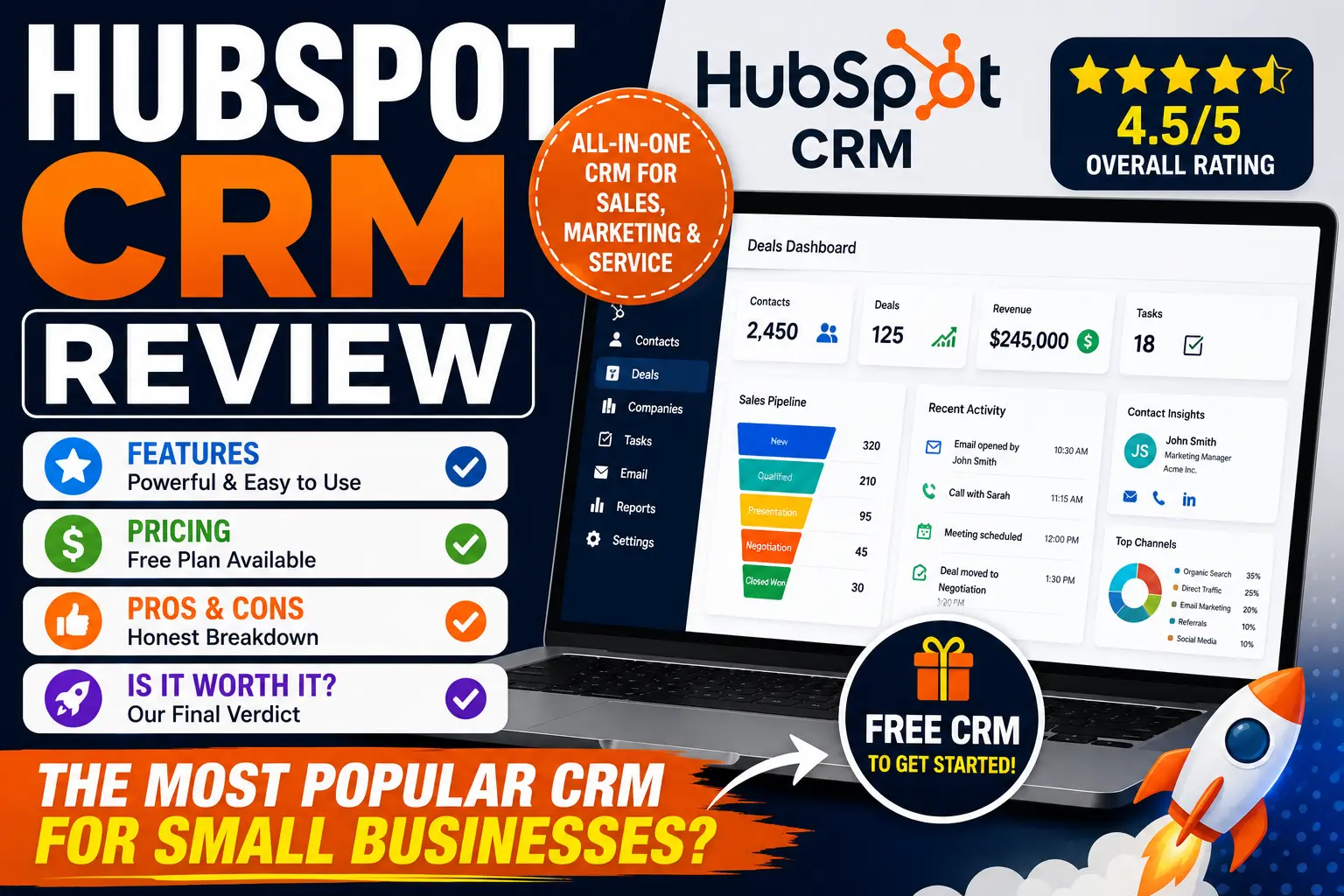
Choosing the right CRM can have a significant impact on your business growth.
Among the many CRM platforms available today, HubSpot CRM is one of the most popular choices for startups, small businesses, and growing companies.
Its popularity comes from a combination of user-friendly design, a generous free plan, and powerful sales and marketing tools.
But is HubSpot CRM actually worth using for your business?
In this review, we’ll examine HubSpot CRM’s features, pricing, strengths, weaknesses, and ideal use cases to help you make an informed decision.
What Is HubSpot CRM?
HubSpot CRM is a cloud-based customer relationship management platform designed to help businesses manage:
- Contacts
- Leads
- Sales pipelines
- Marketing campaigns
- Customer service interactions
Unlike many traditional CRM systems that focus primarily on sales, HubSpot combines sales, marketing, customer service, and automation tools into one ecosystem.
This makes it particularly attractive for small and medium-sized businesses looking for an all-in-one solution.
Quick Overview
| Category | Rating |
|---|---|
| Ease of Use | 9.5/10 |
| Features | 9/10 |
| Automation | 8.5/10 |
| Reporting | 8.5/10 |
| Scalability | 9/10 |
| Value for Money | 9/10 |
| Overall Rating | 9/10 |
Key Features of HubSpot CRM
One of HubSpot’s biggest strengths is its broad feature set.
Let’s examine the most important features.
Contact Management
HubSpot allows businesses to store and organize customer information in a centralized database.
Contact records include:
- Name
- Phone number
- Company details
- Activity history
- Notes
The interface is clean and easy to navigate.
For beginners, this is one of the most user-friendly CRM contact management systems available.
Sales Pipeline Management
The visual sales pipeline is one of HubSpot’s most popular features.
Users can:
- Create deals
- Track opportunities
- Move leads through stages
- Monitor sales performance
The drag-and-drop interface makes pipeline management simple even for inexperienced users.
Email Tracking
HubSpot provides built-in email tracking capabilities.
Sales teams can see:
- Email opens
- Link clicks
- Engagement history
This helps sales representatives prioritize follow-ups and identify interested prospects.
Meeting Scheduling
HubSpot includes meeting scheduling functionality that allows prospects to book appointments directly.
Benefits include:
- Fewer scheduling emails
- Better user experience
- Increased productivity
This feature is especially useful for consultants, agencies, and service-based businesses.
Marketing Tools
Unlike many CRM platforms, HubSpot includes marketing functionality.
Users can manage:
- Email campaigns
- Lead capture forms
- Landing pages
- Marketing automation
This creates a more unified customer journey.
Customer Service Tools
HubSpot offers support features through its Service Hub.
Businesses can manage:
- Support tickets
- Customer conversations
- Knowledge bases
- Live chat
This helps create a complete customer experience.
User Experience and Ease of Use
One reason HubSpot remains popular is its ease of use.
Many CRM systems require extensive training.
HubSpot takes a different approach.
The platform offers:
- Modern design
- Simple navigation
- Intuitive dashboards
- Quick onboarding
Even users with little CRM experience can begin using the platform quickly.
For small businesses, this is a major advantage.
HubSpot CRM Pricing
HubSpot offers multiple pricing levels.
Free Plan
The free version includes:
- Contact management
- Deal tracking
- Basic reporting
- Email tracking
- Meeting scheduling
For many startups and small businesses, the free plan is surprisingly powerful.
Starter Plans
Starter plans introduce additional functionality such as:
- More automation
- Marketing tools
- Enhanced reporting
These plans are suitable for growing businesses.
Professional and Enterprise Plans
Higher-tier plans provide:
- Advanced automation
- Custom reporting
- Predictive analytics
- Team management features
These plans target larger organizations with more complex requirements.
Pros of HubSpot CRM
Easy to Use
One of the easiest CRM platforms for beginners.
Excellent Free Plan
The free CRM offers substantial value without requiring an upfront investment.
All-in-One Platform
Combines:
- CRM
- Marketing
- Sales
- Customer service
in a single ecosystem.
Strong Automation
Advanced automation capabilities become available as businesses grow.
Extensive Educational Resources
HubSpot provides:
- Tutorials
- Courses
- Certifications
- Knowledge base articles
This makes learning easier.
Cons of HubSpot CRM
Premium Plans Can Become Expensive
While the free plan is generous, costs increase significantly as businesses upgrade.
Advanced Features Locked Behind Higher Plans
Some automation and reporting features require Professional or Enterprise subscriptions.
Learning Curve for Advanced Tools
Basic functionality is simple, but advanced automation may require additional training.
Who Should Use HubSpot CRM?
HubSpot is an excellent fit for:
Startups
Businesses looking for a free CRM with room to grow.
Small Businesses
Companies seeking an easy-to-use customer management platform.
Marketing Teams
Organizations focused on inbound marketing and lead generation.
Service-Based Businesses
Consultants, agencies, and service providers benefit from scheduling and communication tools.
Who Might Need an Alternative?
HubSpot may not be ideal for:
Budget-Conscious Growing Businesses
Premium plans can become expensive at scale.
Complex Enterprise Organizations
Some enterprises require deeper customization than HubSpot provides.
Inventory-Focused Businesses
Businesses requiring advanced ERP or inventory management features may need additional software.
HubSpot CRM vs Competitors
HubSpot vs Salesforce
HubSpot is generally easier to use.
Salesforce offers deeper customization and enterprise functionality.
HubSpot vs Zoho CRM
Zoho often provides more features at lower prices.
HubSpot typically offers a better user experience.
HubSpot vs Pipedrive
Pipedrive excels in sales pipeline management.
HubSpot provides a broader all-in-one business platform.
Real-World Example
Imagine a small marketing agency.
Before HubSpot:
- Leads arrive through multiple channels.
- Follow-ups are inconsistent.
- Customer data is scattered.
After implementing HubSpot:
- Leads enter a centralized system.
- Sales activities are tracked.
- Follow-ups become automated.
- Marketing campaigns are connected to CRM data.
The result is improved organization and better customer management.
Is HubSpot CRM Worth It?
For most startups and small businesses, the answer is yes.
HubSpot offers one of the best combinations of:
- Ease of use
- Functionality
- Scalability
- Educational resources
Its free plan provides significant value and allows businesses to build CRM processes without financial risk.
The primary concern is cost as businesses scale and require advanced features.
However, for many organizations, the productivity gains justify the investment.
Final Verdict
Overall Rating: 9/10 ⭐
HubSpot CRM remains one of the strongest CRM options available for small and growing businesses.
Its intuitive interface, powerful free plan, and integrated sales and marketing ecosystem make it an excellent choice for organizations that want a CRM that’s easy to implement and scale.
If you’re searching for a beginner-friendly CRM that can grow alongside your business, HubSpot CRM deserves a place on your shortlist.
Frequently Asked Questions
Is HubSpot CRM really free?
Yes. HubSpot offers a free CRM plan with contact management, deal tracking, email tracking, and several additional features.
Is HubSpot CRM good for small businesses?
Yes. Its ease of use and free plan make it one of the best CRM solutions for small businesses.
What are HubSpot CRM’s biggest strengths?
Ease of use, free features, marketing integration, and scalability.
What are HubSpot CRM’s biggest weaknesses?
Premium plans can become expensive as businesses grow.
Is HubSpot better than Salesforce?
It depends on your needs. HubSpot is easier to use, while Salesforce offers more customization and enterprise-level functionality.