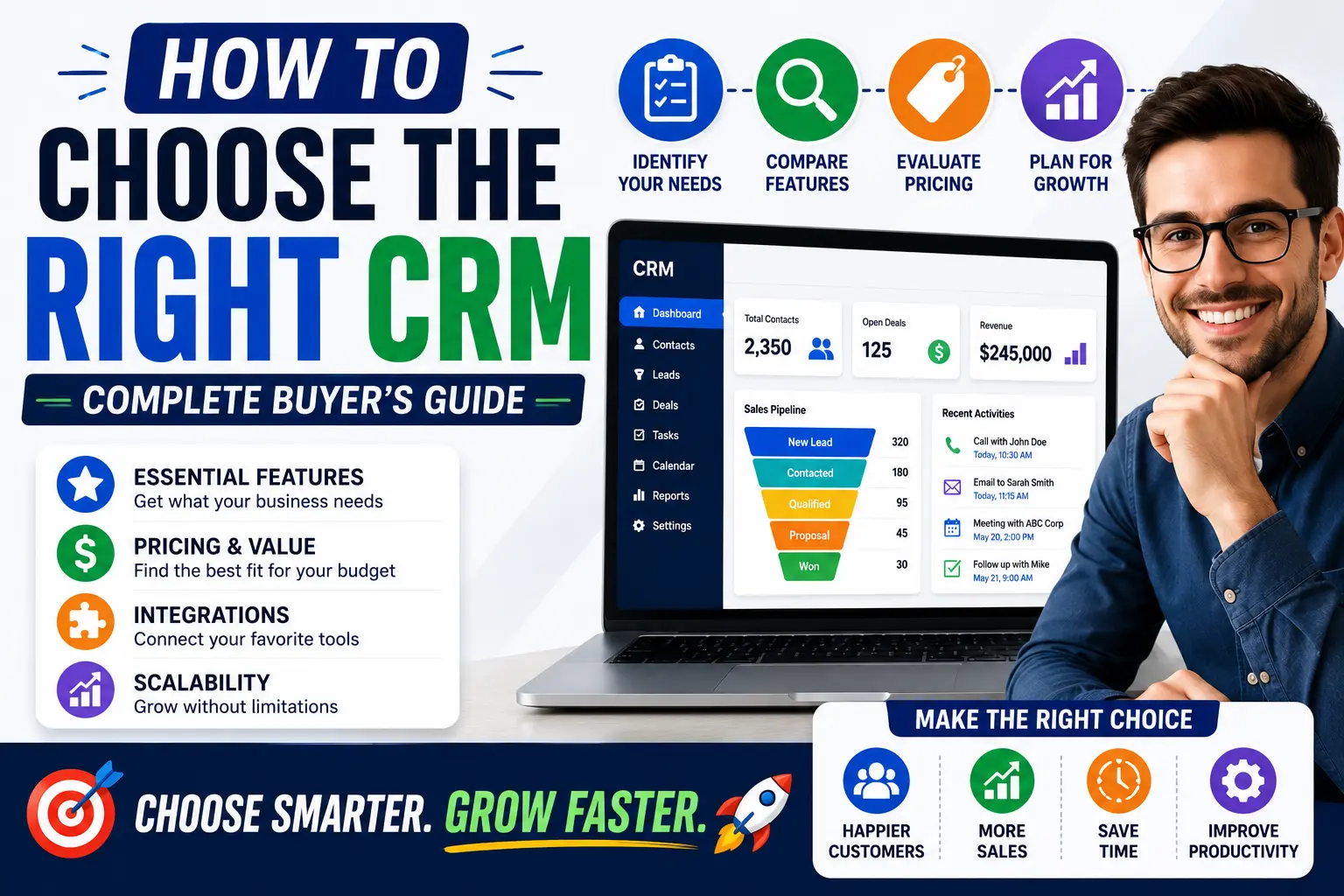
Choosing a CRM can feel overwhelming.
A quick online search reveals dozens of CRM platforms, each claiming to be the perfect solution for businesses of every size. From small startups to large enterprises, every CRM provider promises better customer management, increased sales, and improved productivity.
The reality is that there is no single CRM that works best for every business.
The right CRM depends on your goals, industry, team size, budget, and future growth plans.
Selecting the wrong CRM can lead to wasted money, frustrated employees, poor adoption rates, and missed business opportunities.
This guide will help you understand exactly what to look for when choosing a CRM so you can make a confident decision.
Why Choosing the Right CRM Matters
A CRM becomes the central hub of your customer management process.
It stores:
- Customer information
- Sales activities
- Communication history
- Marketing data
- Business insights
Because your team will use the CRM daily, selecting the right platform can significantly impact productivity and customer experience.
A well-chosen CRM can help businesses:
- Increase sales
- Improve customer relationships
- Save time through automation
- Enhance collaboration
- Support long-term growth
Step 1: Define Your Business Goals
Before comparing CRM software, identify your objectives.
Ask yourself:
What problem are we trying to solve?
Examples include:
- Losing track of leads
- Missing follow-ups
- Poor customer communication
- Disorganized customer data
- Lack of reporting
What results do we want?
Examples include:
- More sales
- Better customer retention
- Faster response times
- Improved productivity
- Better reporting
Understanding your goals makes it easier to identify the features you actually need.
Step 2: Understand Who Will Use the CRM
Different teams use CRM software differently.
Sales Teams
Need features such as:
- Lead management
- Pipeline tracking
- Deal management
- Sales forecasting
Marketing Teams
Need:
- Email marketing integration
- Campaign tracking
- Lead nurturing
- Customer segmentation
Customer Support Teams
Need:
- Ticket management
- Customer history
- Communication tracking
The more clearly you understand your users, the easier it becomes to choose an appropriate solution.
Step 3: Identify Essential CRM Features
Not every business requires advanced functionality.
Focus on features that directly support your goals.
Contact Management
A CRM should allow you to store and organize customer information efficiently.
Look for:
- Contact profiles
- Communication history
- Account management
Lead Management
Lead management helps businesses track prospects from initial inquiry to conversion.
Important capabilities include:
- Lead capture
- Lead assignment
- Lead scoring
- Follow-up tracking
Sales Pipeline Management
A visual sales pipeline helps teams monitor opportunities.
Look for:
- Custom pipeline stages
- Deal tracking
- Revenue forecasting
Automation
Automation can save significant time.
Useful automation features include:
- Follow-up reminders
- Email sequences
- Lead assignments
- Workflow automation
Reporting and Analytics
Strong reporting helps businesses make better decisions.
Look for reports that track:
- Sales performance
- Conversion rates
- Revenue
- Team productivity
Step 4: Consider Ease of Use
Even the most powerful CRM will fail if employees find it difficult to use.
A user-friendly CRM should provide:
- Clean interface
- Simple navigation
- Quick onboarding
- Easy data entry
If employees avoid using the system, the CRM will never deliver its full value.
Always prioritize usability.
Step 5: Evaluate Integration Options
Most businesses already use other software.
Your CRM should integrate with tools such as:
- Email platforms
- Marketing software
- Accounting systems
- E-commerce platforms
- Customer support tools
- Calendar applications
Good integrations reduce manual work and improve efficiency.
Step 6: Think About Scalability
Your CRM should support future growth.
Many businesses choose software that works today but becomes limiting later.
Ask yourself:
- Will our team grow?
- Will customer volume increase?
- Will we need more automation?
- Will reporting requirements become more complex?
Choosing a scalable CRM helps avoid costly migrations in the future.
Step 7: Understand CRM Pricing
CRM pricing varies significantly between providers.
Common pricing models include:
Free Plans
Best for:
- Startups
- Freelancers
- Small businesses
Examples:
- HubSpot CRM
- Zoho CRM Free
Subscription Plans
Typically charged:
- Per user
- Per month
- Per year
Businesses should evaluate total ownership costs rather than focusing only on monthly pricing.
Hidden Costs to Watch For
Some CRM systems charge extra for:
- Advanced reporting
- Automation
- Additional users
- Storage
- Integrations
- Customer support
Always review pricing carefully before committing.
Step 8: Prioritize Customer Support
Even user-friendly software occasionally requires assistance.
Look for CRM vendors that provide:
- Live chat support
- Email support
- Knowledge bases
- Training resources
- Community forums
Reliable support can significantly improve the implementation experience.
Step 9: Request a Free Trial or Demo
Never purchase CRM software without testing it first.
During a trial, evaluate:
User Experience
Is the platform easy to navigate?
Speed
Does the software perform well?
Features
Do the tools meet your requirements?
Team Feedback
Do employees feel comfortable using it?
Trials often reveal issues that aren’t obvious during product demonstrations.
Common CRM Selection Mistakes
Avoid these common mistakes:
Choosing Based on Price Alone
The cheapest option isn’t always the best value.
Paying for Unused Features
Many businesses purchase enterprise-level solutions they never fully utilize.
Ignoring Employee Feedback
Your team will use the CRM every day.
Their input matters.
Overlooking Integrations
Disconnected systems often create inefficiencies.
Failing to Plan for Growth
Your CRM should support future business expansion.
Best CRM Solutions by Business Type
For Startups
- HubSpot CRM
- Zoho CRM
- Freshsales
For Small Businesses
- HubSpot CRM
- Pipedrive
- Zoho CRM
- Monday CRM
For Growing Businesses
- Salesforce
- HubSpot Professional
- Freshsales
For Enterprise Organizations
- Salesforce Enterprise
- Microsoft Dynamics 365
- Oracle CRM
CRM Selection Checklist
Before making a final decision, ask:
✅ Does it solve our current problems?
✅ Is it easy to use?
✅ Does it fit our budget?
✅ Does it integrate with existing tools?
✅ Can it scale with our business?
✅ Does it offer useful automation?
✅ Does it provide quality support?
✅ Does our team like using it?
If the answer is yes to most of these questions, you’re likely evaluating a strong candidate.
Final Thoughts
Choosing the right CRM is one of the most important technology decisions a business can make.
The best CRM isn’t necessarily the one with the most features or the highest price tag.
Instead, the best CRM is the one that aligns with your business goals, supports your team, improves customer relationships, and scales alongside your growth.
Take time to evaluate your needs, compare options carefully, and test software before making a commitment.
A well-chosen CRM can become one of the most valuable tools in your business for years to come.
Frequently Asked Questions
What is the most important factor when choosing a CRM?
The most important factor is selecting a CRM that aligns with your business goals and daily workflows.
Should small businesses use free CRM software?
Yes. Many small businesses successfully start with free CRM plans before upgrading as they grow.
How many CRM options should I compare?
Comparing three to five CRM solutions is usually enough to identify the best fit.
Can I switch CRM systems later?
Yes, but migrations can be time-consuming and costly. Choosing carefully upfront is recommended.
What CRM is best for beginners?
HubSpot CRM, Zoho CRM, and Freshsales are commonly considered beginner-friendly options due to their ease of use and accessible pricing.